Waking up to find your Facebook account disabled?
Every year, millions of users face this exact problem. It usually happens because of misunderstood rules or automated security flags. The good news? Recovery is possible, and prevention is even better.
This guide shows you why Facebook disables accounts and how to get yours back fast. You’ll also learn methods to keep your Facebook business account safe from future bans.
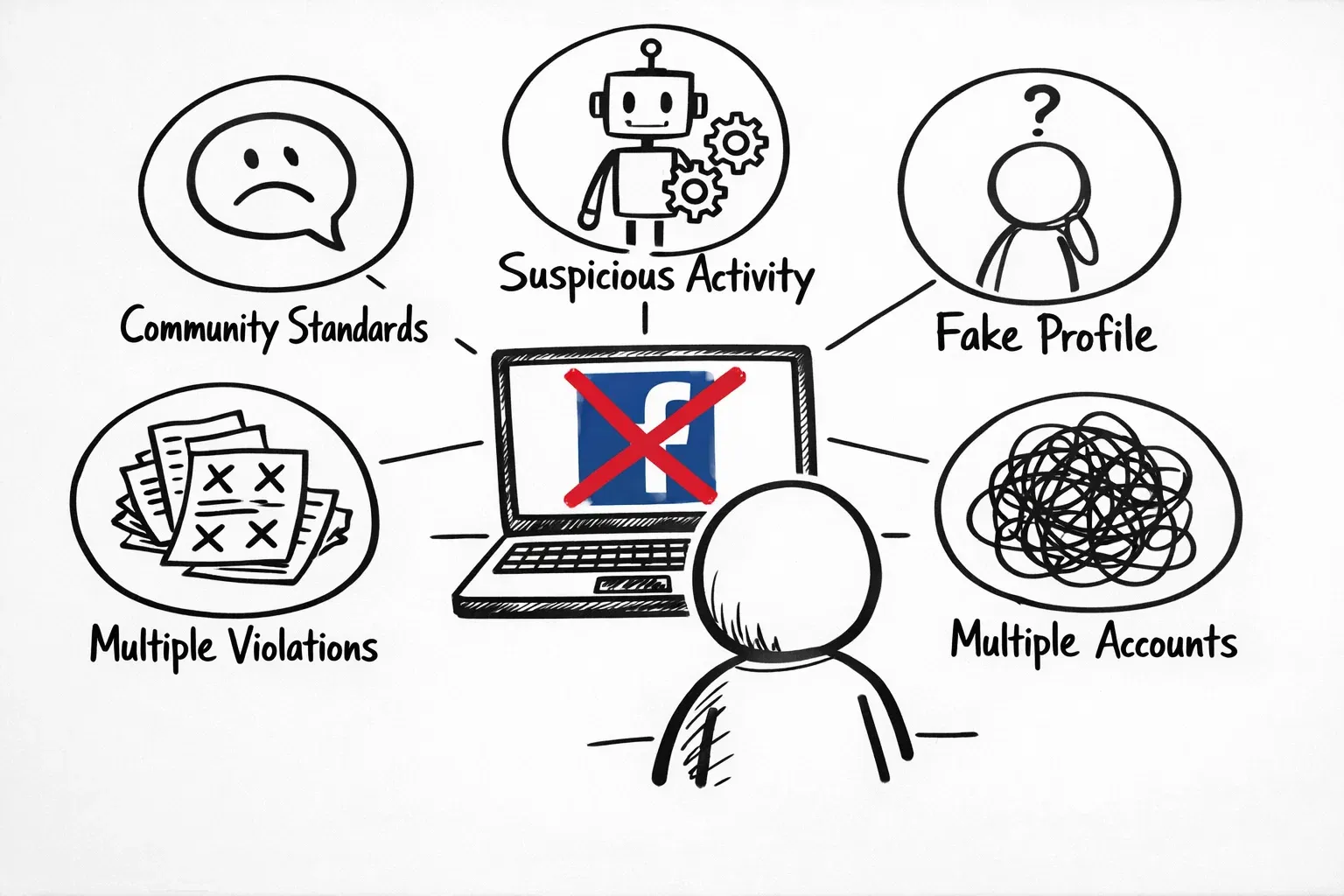
Why Did Facebook Disable My Account
Facebook uses both automated systems and human reviewers to catch policy violations. Here’s what might have triggered yours:
- Breaking Community Standards
This is the most common reason. Posting content that looks like hate speech, misinformation, or explicit material gets flagged instantly. Even an innocent meme can trigger detection if it has offensive elements.
- Suspicious Activity Patterns
Logging in from different countries quickly, sending mass friend requests, or posting identical comments looks like bot behavior. Even using public Wi-Fi while traveling can trigger alerts.
- Incomplete or Fake Profiles
This behavior will get removed fast. Using a fake name or having no profile picture makes Facebook think you’re a bot. The platform enforces its real-name policy strictly.
- Multiple Policy Violations
Facebook tracks every warning and infraction. Cross the line too many times, and you’re out—often without warning.
- Unauthorized Automation Tools
Some tools might violate Terms of Service. Auto-likers, commenting bots, or sketchy third-party apps can get your account suspended immediately.
- Running Multiple Accounts
Managing multiple accounts from one device triggers detection. Facebook spots patterns like accounts created right after bans or profiles that interact too fast with each other.
How Facebook Detects Suspicious Activity
Facebook’s security system watches for unusual patterns constantly. Here’s what sets off alarms:
-
IP Address Tracking catches impossible logins. If you’re in New York at 9 AM and Tokyo at 9:15 AM, the system knows something’s wrong.
-
Device Fingerprinting creates a unique signature for your device. Facebook tracks your device type, operating system, browser version, screen size, fonts, and more. This makes it almost impossible to hide using basic tools.
-
Behavioral Analysis separates humans from bots. Real people scroll, pause, and click naturally. Bots like 100 posts per minute or spam identical comments everywhere.
-
User Reports can trigger manual reviews. While this catches real problems, it’s also abused by trolls, competitors, or people with grudges.
3 Methods to Solve the Facebook Account Disabled Problem
Method 1: Submit a Standard Appeal
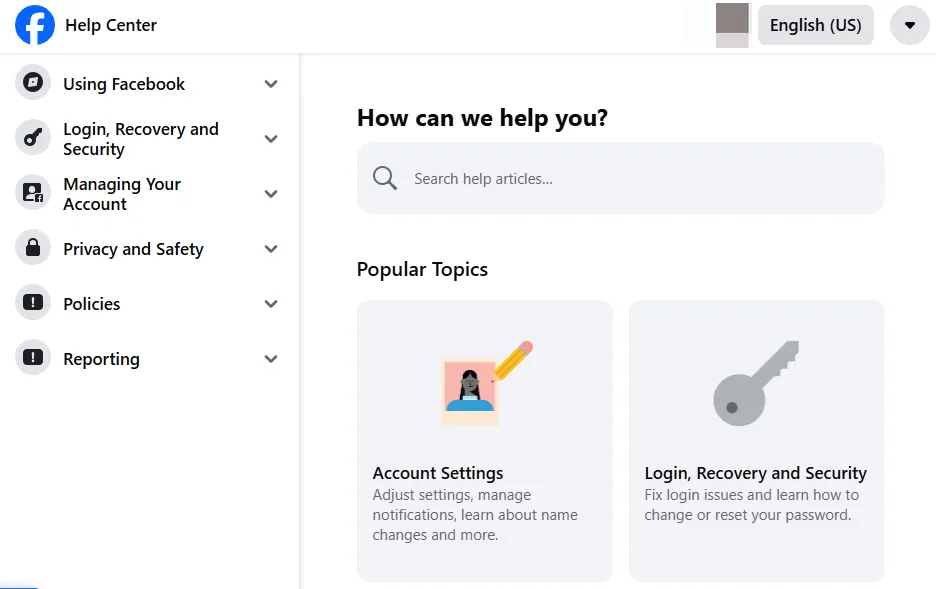
Follow these steps to appeal your disabled account:
-
Go to Facebook Help Center
-
Search for “disabled account”
-
Click “Request a Review”
-
Enter your email or phone number linked to the account
-
Explain clearly why the decision was a mistake
-
Provide context (e.g., account was hacked, unaware of the violation)
-
Wait 2-7 days for simple cases (up to 45 days for complex issues)
Keep your explanation polite and factual. Avoid emotional language.
Method 2: Upload Identity Verification Documents
When Facebook asks for ID verification:
-
Take a clear photo of your government-issued ID (passport or driver’s license)
-
Make sure all four corners are visible
-
Verify the name matches your account
-
Upload the photo through the verification form
Alternative documents accepted:
-
Bank statements
-
Utility bills
-
Voter registration cards
You can also use Trusted Contacts who can confirm your identity during recovery.
Method 3: Contact Meta Support Through Meta Verified
Get faster recovery with direct human support:
-
Subscribe to Meta Verified
-
Download your account information (ZIP file with profile details)
-
Prepare a write-up for your case and provide the required information below:
- Profile link
- Username
- Email address
- Phone number
- Timestamps of suspicious activities (if hacked)
- Screenshots or evidence
-
Access direct chat with support agents
-
Submit all information to the support agent
This method typically resolves issues within 24 hours for hacked accounts.
How to Prevent Future Facebook Account Disabled Issues
Prevention beats recovery every time. Here are four proven strategies to protect your account.
1. Use Secure Account Management Tools Like RoxyBrowser
RoxyBrowser is an antidetect browser built for safe multi-account management. It stops Facebook from linking your accounts together.
RoxyBrowser’s Key Features:
Unique Fingerprints for Each Account
RoxyBrowser creates isolated browser environments with distinct digital fingerprints. Each profile looks like a different device with unique specs—browser type, screen size, time zone, fonts, and system settings. Facebook can’t link them.
Complete Session Isolation
Every profile environment runs in its own secure sandbox. Cookies, cache, history, and storage stay completely separated. No cross-contamination means no detection, ensuring your private browsing steadily and safely.
Flexible Proxy Integration
Connect each account to different IPs using residential, mobile, or datacenter proxies. This makes every profile look like a real local user from that specific location.
2. Follow Facebook Community Standards Strictly
Read Facebook’s Community Standards and check them regularly. Avoid posting controversial content, hate speech, misinformation, or explicit material.
Think twice before sharing memes or articles. Even innocent-looking content can violate policies.
3. Maintain Natural Activity Patterns
Don’t spike your activity suddenly. This looks like automation:
-
Sending dozens of friend requests in minutes
-
Posting identical comments repeatedly
-
Liking hundreds of posts quickly
Space out your interactions naturally throughout the day.
4. Enable Two-Factor Authentication
Turn on 2FA for your Facebook business account and personal profile. This stops unauthorized access even if someone gets your password.
Use an authenticator app instead of SMS for better security.
How to Run Multiple Facebook Accounts Without Bans Using RoxyBrowser
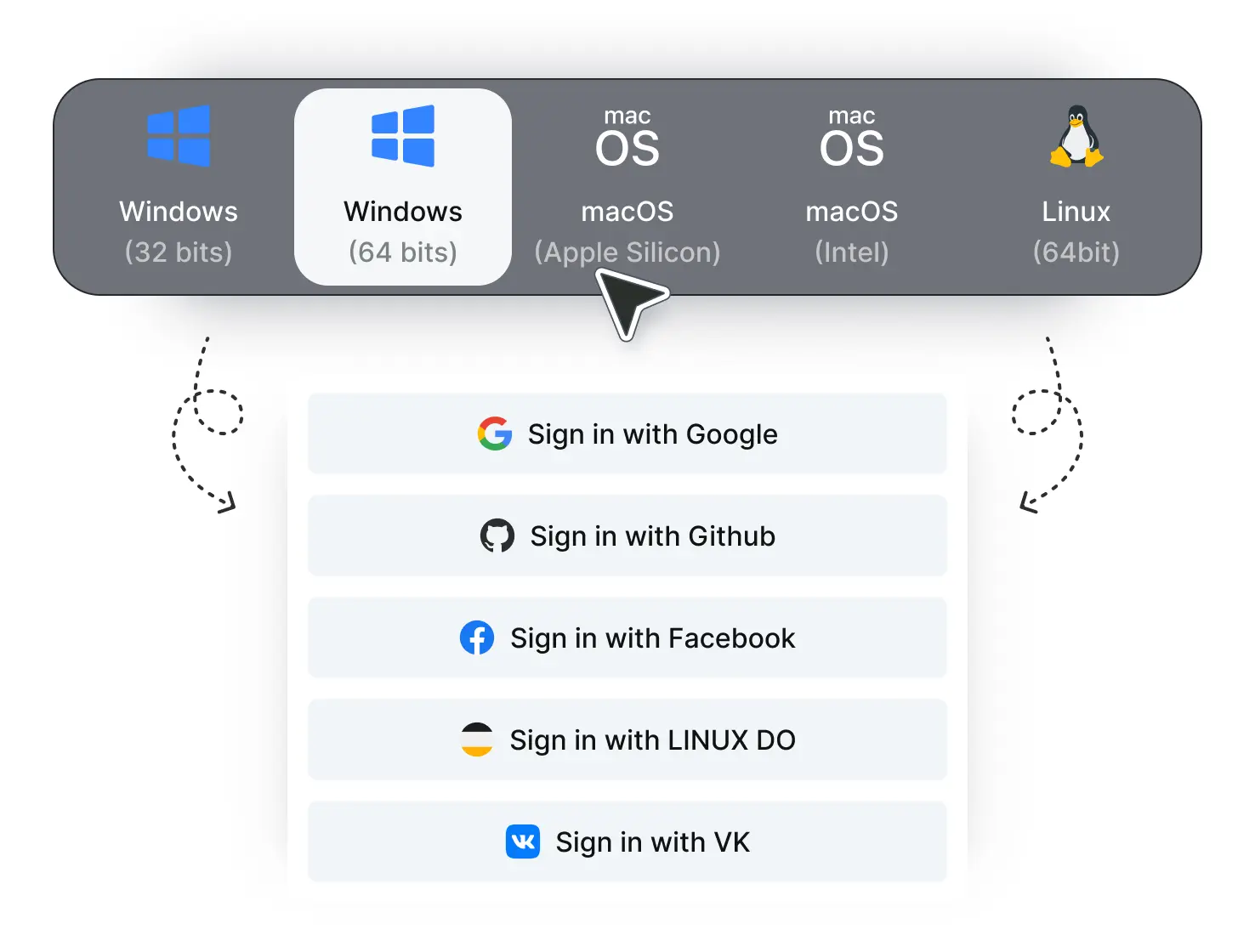
Step 1: Download and Install
Visit and download the RoxyBrowser client for your operating system. Create your account using your email address for free.
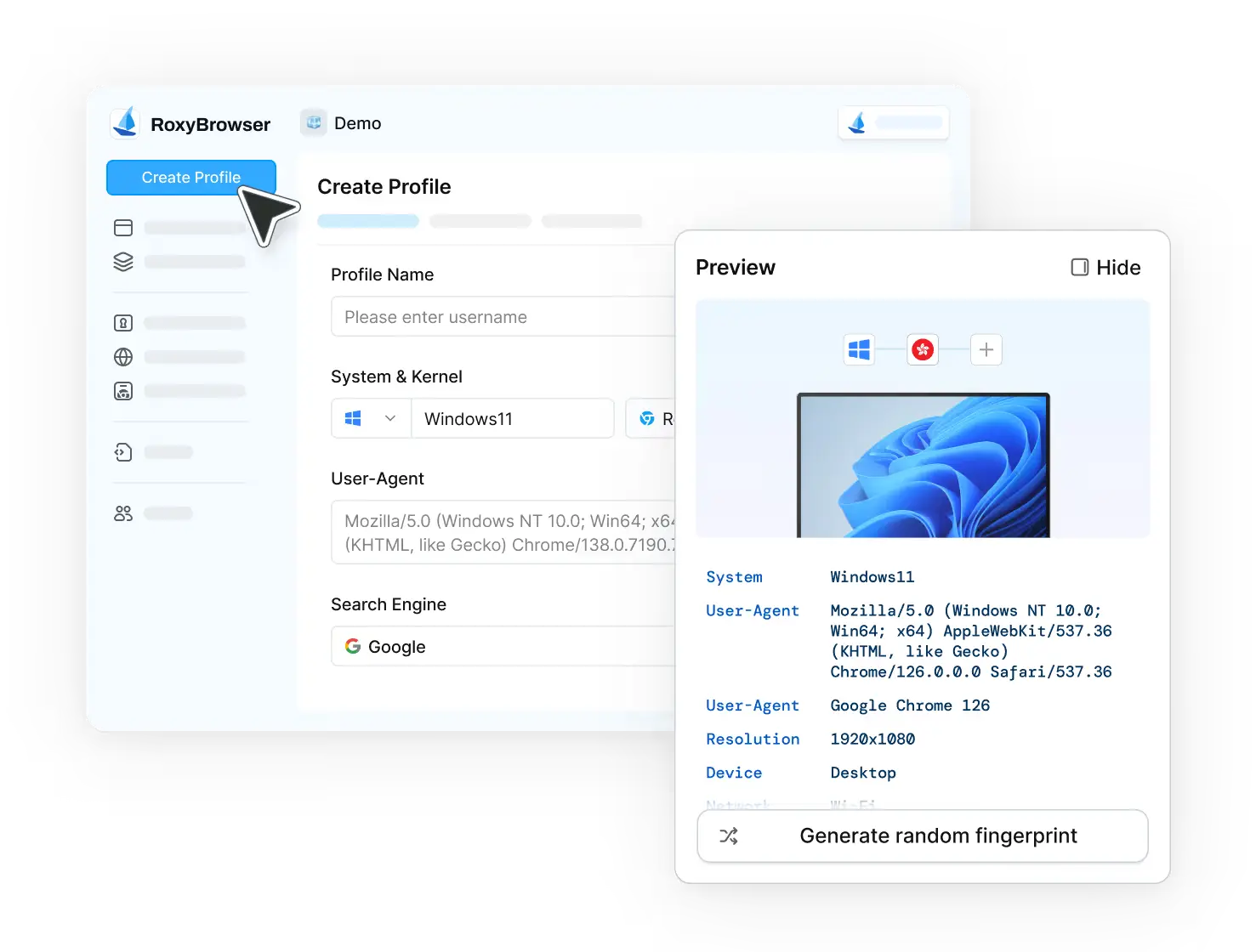
Step 2: Create Profile
Click “Create Profile” and configure your profile. You can use auto-generated random fingerprints or manually customize parameters.
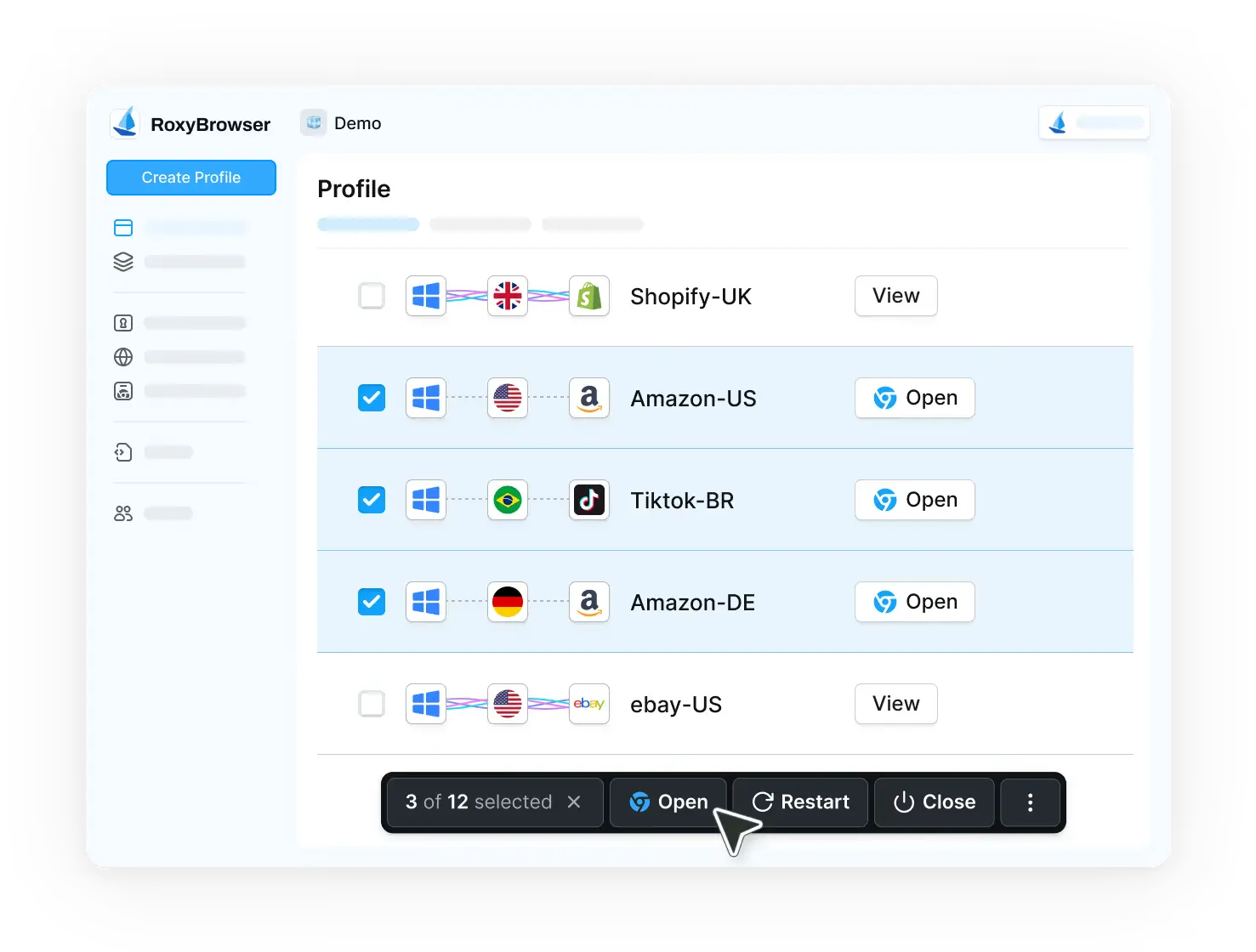
Step 3: Launch Profile
Click “Open” to start your isolated browser session. Each profile environment launches with a unique fingerprint and IP address, so your Facebook accounts appear as real, independent users.
Pro tips:
To manage multiple Facebook accounts safely with RoxyBrowser:
-
Never use a single profile to access two Facebook accounts.
-
Never reuse proxies between profiles.
-
Maintain long-term profile consistency.
Conclusion
A Facebook account disabled isn’t the end of the road, but repeated mistakes often lead there. Understanding detection systems and setting up accounts correctly is essential.
For individuals and businesses managing multiple profiles, tools like RoxyBrowser give you the edge. Follow community standards, use isolated browser environments, and maintain natural activity patterns. Your account security starts today.
FAQ
Why is my Facebook account disabled without warning?
Facebook uses automated systems. If activity appears risky, accounts may be disabled instantly.
Can I create a new Facebook account after being disabled?
Yes, but only with a clean environment. Reusing the same browser and IP often leads to another ban.
Is it safe to manage multiple Facebook business accounts?
Yes, if each account is isolated with unique fingerprints and proxies, such as with RoxyBrowser.
How long does Facebook account recovery take?
Appeals can take days or weeks. Some accounts are not recoverable.
Does RoxyBrowser guarantee no bans?
No tool can guarantee zero bans, but RoxyBrowser significantly reduces risk by aligning with Facebook’s detection logic.


